For every new game, pick the name with the SPD badge, not the local player with the same name.
Those games will show up on both iPads.
What about the games we’ve already played?
Games you scored against the local player stay in your history and stats, exactly as they are. Connecting doesn’t move them, and they stay on your iPad only.
We’re working on a way to link these old games to your Straight Pool Deluxe opponents, so stay tuned. Until then:
Keep the local player. That’s where your old games against them live. Don’t delete it: deleting a player can delete their games too.
Rename it if two of the same name are confusing. Tap the local player in Settings → Players and change the name, for example to “Bob, old games”.
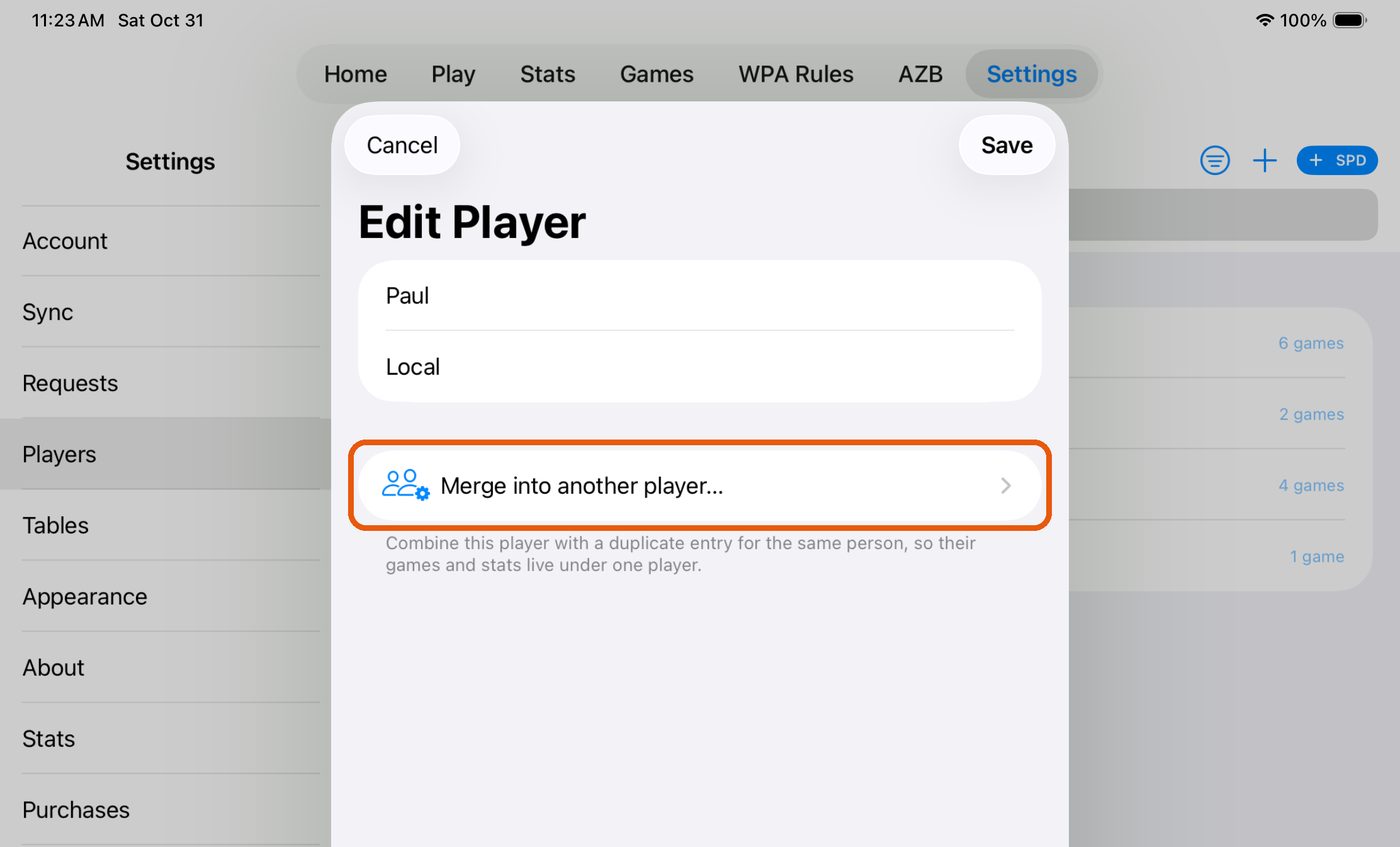
Typed them in more than once? Duplicate local players can be combined. Tap one, choose Merge into another player…, and pick the other copy.